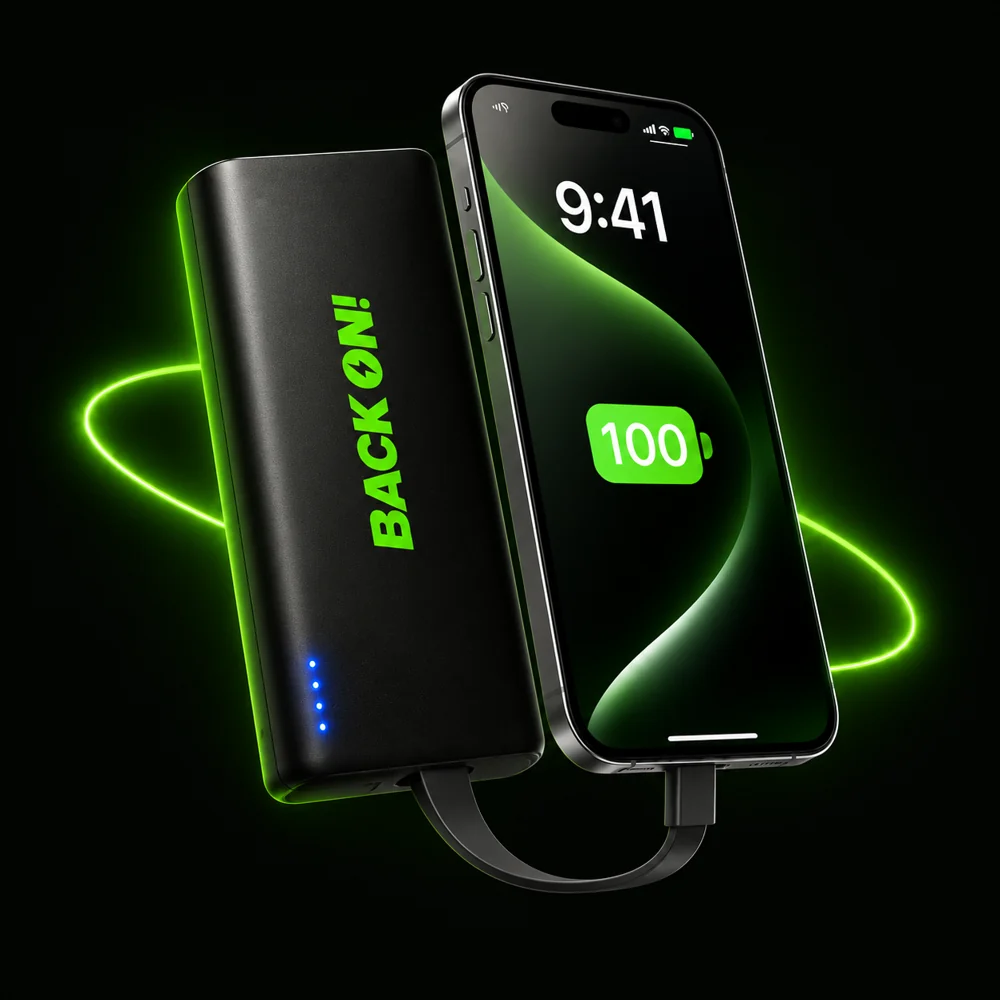
A power bank rental station lets you borrow a portable charger rather than leave your phone beside a socket. BACK ON! is a student-founded business starting in Hull, with its first venue trials being arranged.
1. Check the price before renting
Prices can differ between venues. Read the price, billing interval, any maximum charge, card authorisation or deposit, and return conditions shown on the station before you pay. There is no single BACK ON! tariff for every location.
2. Follow the station screen
Use the rental instructions on the station and wait for a power bank to be released. If a payment appears on your account but nothing is dispensed, contact BACK ON! before trying repeatedly.
3. Connect the right cable
The power banks have built-in cables. Check that the connector matches your phone and that charging starts. You keep your phone with you while using the power bank. Charging speed varies with your device, cable and battery level.
4. Plan your return
Check the return location and its opening hours before taking the power bank away. Follow the station’s instructions when returning it and check that the return has registered. Do not assume that a different brand’s station can accept a BACK ON! power bank.
If something goes wrong
If the station cannot accept your return, a cable is faulty, or a charge looks wrong, note the venue, time and rental reference and contact us promptly. Never send a full payment-card number, security code or password.
Read pricing and return guidance or contact rental support.
Where can I rent one?
We are arranging our first Hull venue trials. We will announce confirmed public locations when they are ready. A proposed venue is not an available return point.
If you run a venue, explore hosting a BACK ON! station.